Register as a Seller
To receive email notifications from A-buy, please use an active email address when registering to become a vendor. To get started, go to https://a-buy.com.ph, click Sell Now > Register Now, enter the required information, check Agree Terms & Conditions, and then click the Register button.
Social Logins
To become a vendor using social media logins like Facebook or Google, go to https://a-buy.com.ph/my-account/ then click Social media Button.
Lost Password
To reset your password, go to https://a-buy.com.ph/my-account/ then click Lost password. It will ask you for the email address you registered to receive a notification from A-buy.
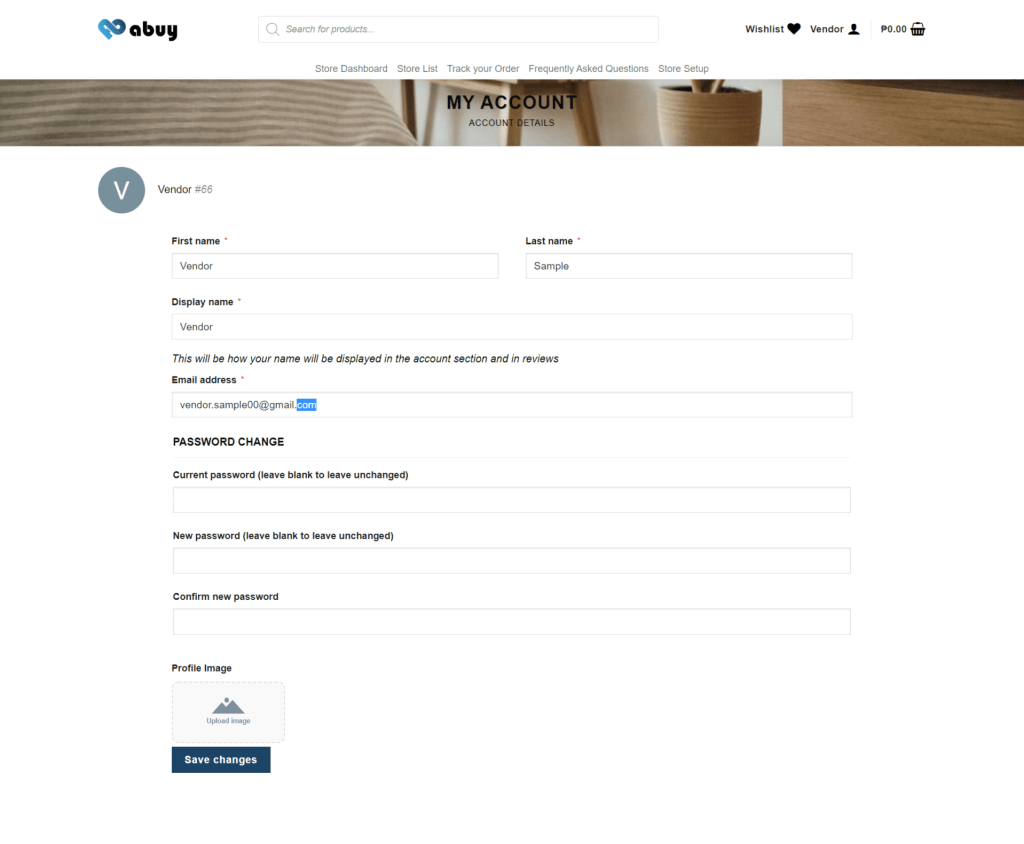
On my account, you can also reset your password by going to Account Details and then clicking Save changes.